 SoundMyText
Any document, read aloud in a natural voice.
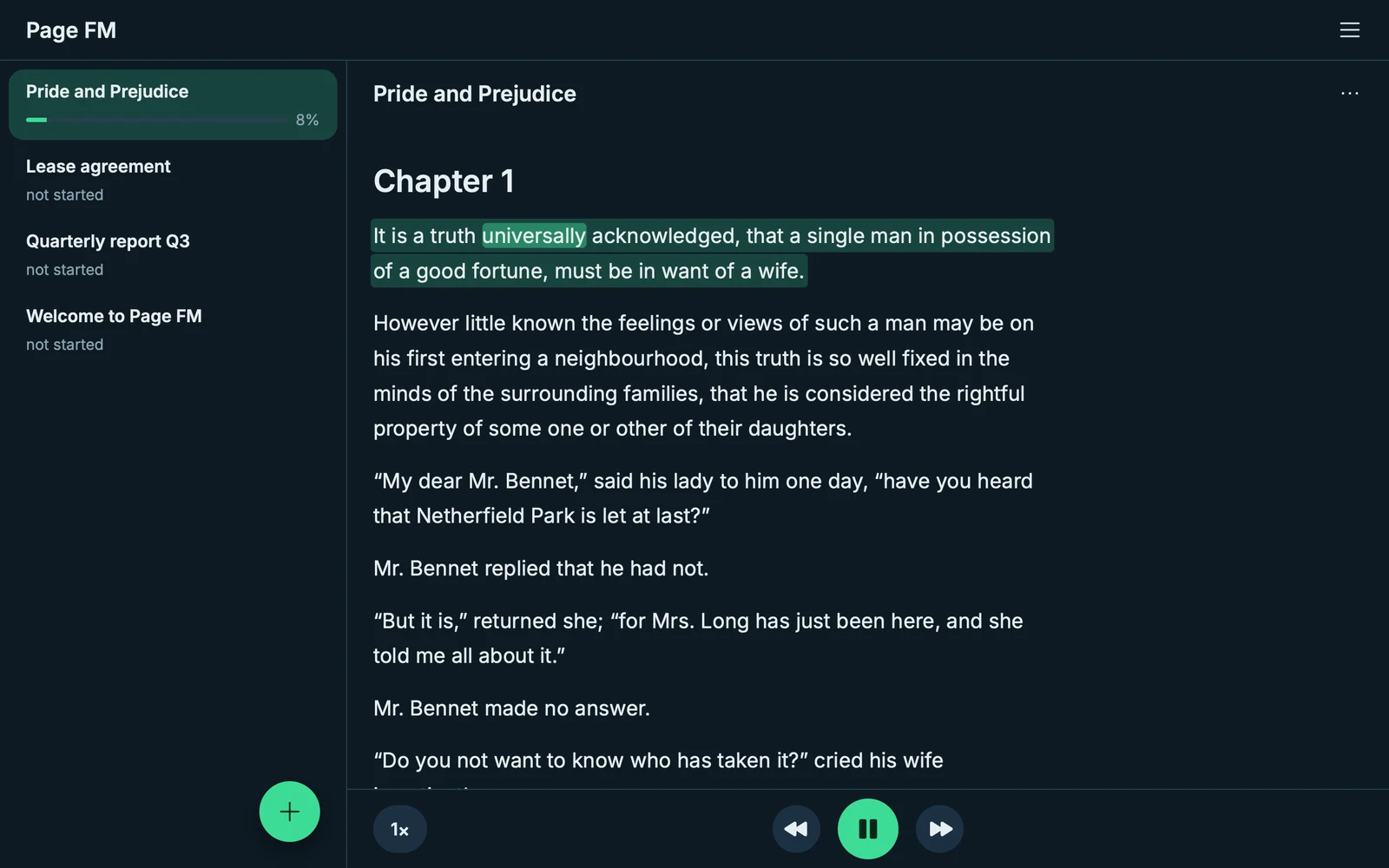
Add a PDF, a Word file, an ebook or a photo of a page. SoundMyText reads it to you, highlights every word as it goes, and picks up where you stopped on any device.
25 credits free · No card · No sign-up
Or get the app
Works onWeb · iPhone & iPad · Android · Mac · Windows
- Word
- EPUB
- Kindle
- PowerPoint
- Scans & photos
- Your own text
Listen
Hear the voices for yourself
Three natural voices, recorded exactly as the app plays them. Pick one, and follow the words as it speaks.
Hello! This is how I sound when I read your documents aloud.
Real recordings from SoundMyText, unedited.
How it works
From page to sound in three steps
-
Add a document
Upload a file, take a photo of a page, or type your own text.
-
Press play
Choose a voice and a speed. The sentence being read lights up as you listen.
-
Pick up anywhere
Stop on your laptop and carry on from your phone, right where you left off.
Features
Made for listening, built for reading
Follow along, word by word
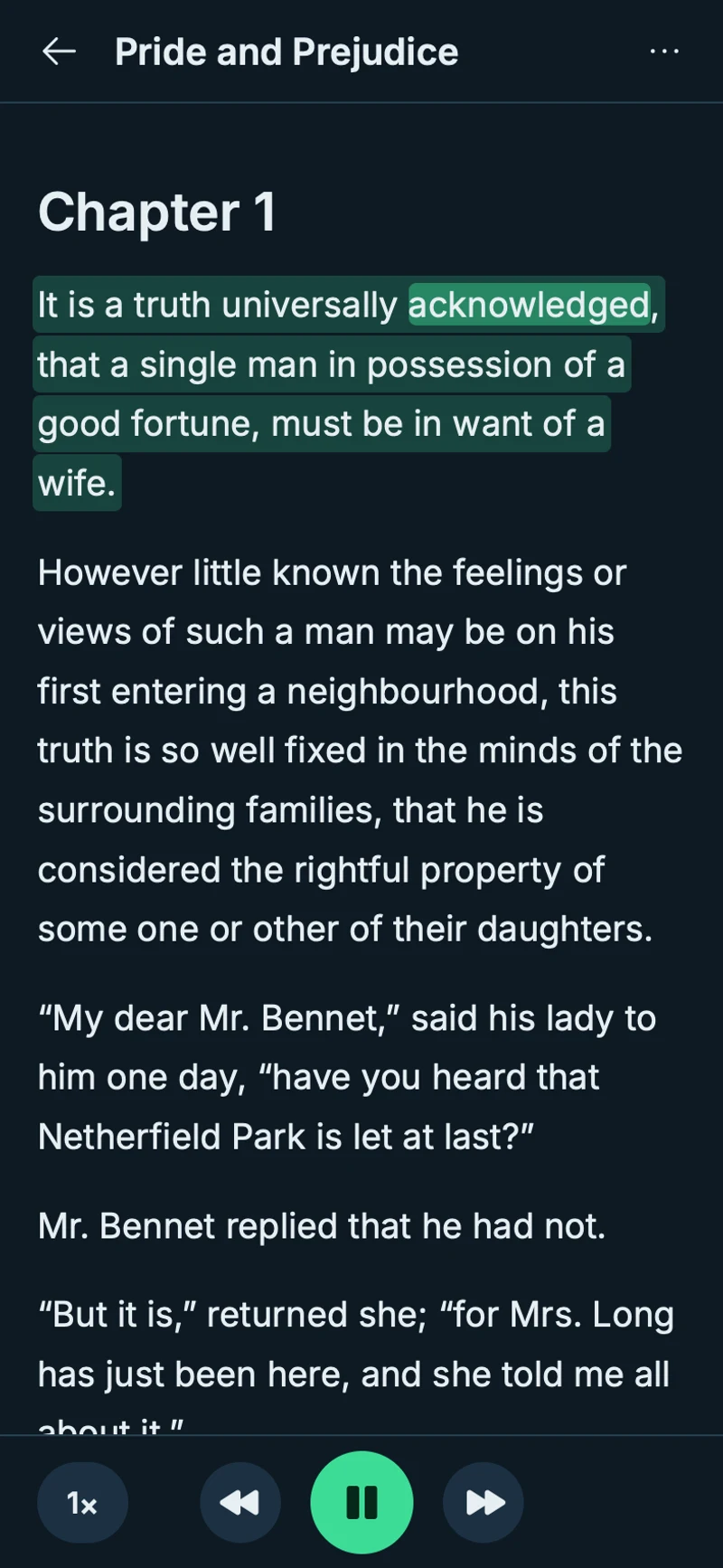
The sentence being read is highlighted, and so is every word as it is spoken. Tap any sentence to jump there. Skip back and forth one sentence at a time.
- Word
- EPUB
- Kindle
- PowerPoint
- Scans & photos
- Your own text
Any document, even a photo of a page
PDFs, Word and OpenDocument files, ebooks, Kindle books without DRM, slides, web pages and plain text. Scans and photos are turned into text first. Long books open while the rest is still being prepared.
Voices you will want to listen to
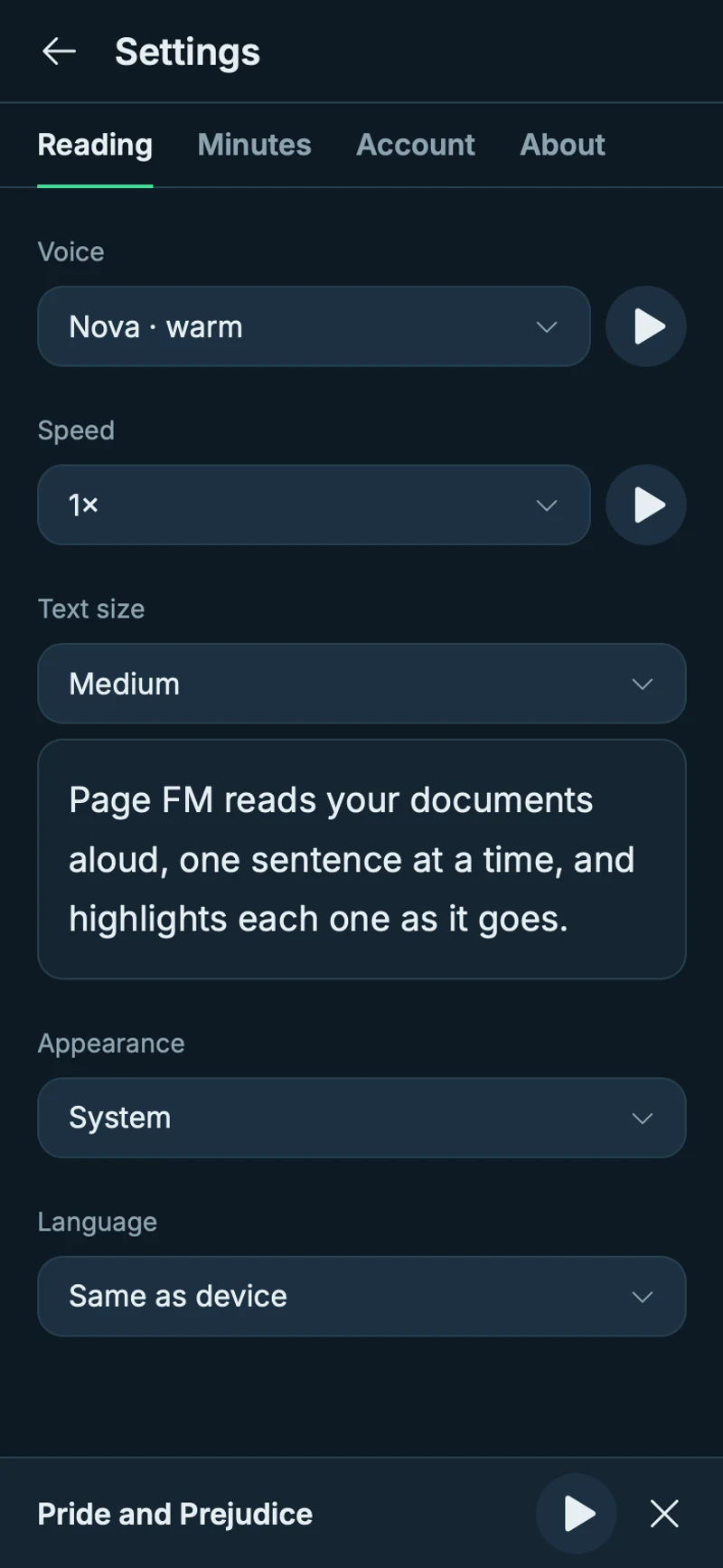
Nova, Atlas and Iris read in a natural rhythm, from 0.75× to 2× without the pitch changing. SoundMyText reads more than 90 languages and recognises each document’s language by itself.
Continues where you stopped
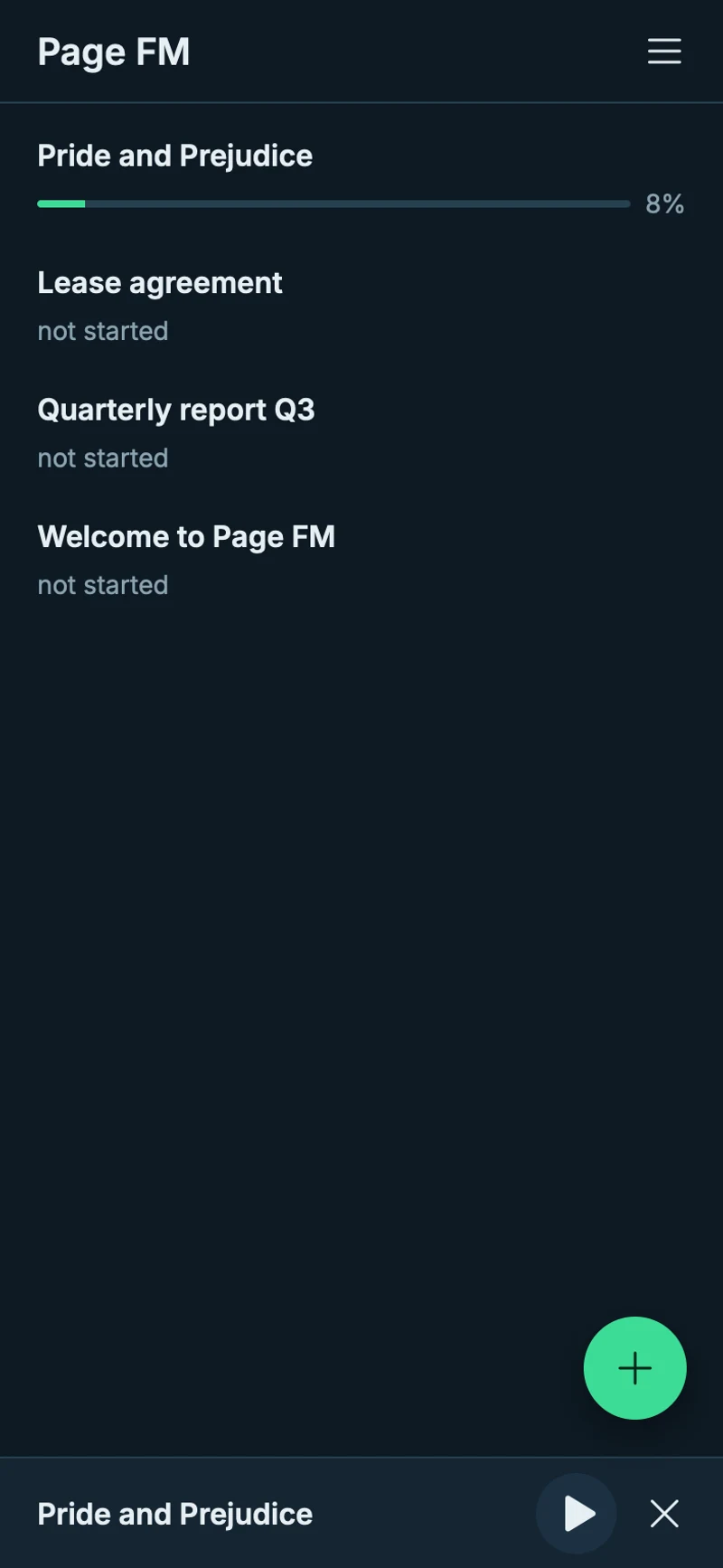
Your place in every document is saved as you listen. Sign in with Apple or Google, and your documents and credits follow you to every device.
- 90+languages read aloud
- 1,000pages per file
- 0.75–2×reading speed
- Freereplays, always
For every day
For the moments your eyes are busy
-

On the way
Get through reports and articles between stops.
-

While you cook
A chapter of your book while dinner simmers.
-

Out for a walk
Long reads, without staring at a screen.
-

When your eyes need a rest
Go through papers and notes by ear, and follow the text when you want to.
Pricing
Pay only for new audio
Credits pay for new audio made from your text. Listening again is always free.
Free
$0
25 credits, once, never expiring
- Every voice and feature
- No card, no sign-up
- In the browser and in the apps
Best for regular listening
Monthly
per month
100 credits every month — about 20,000 words with the default voice model.
- Replays never use credits
- Add 50 credits whenever you need more
- Cancel any time, keep the month’s credits
Need more this month? Add 50 credits any time while you subscribe.
- Payment by Stripe on the website. In the App Store and Google Play, the store’s price applies.
- No automatic charges beyond your subscription.
FAQ
Questions, answered
What is a credit?
Credits pay for new audio made from your text. How many a sentence uses depends on the speech model you choose in Settings → Reading → Speech model: with the default model, 1 credit is about 200 words, the high-quality model uses twice as many, and the budget models fewer. Listening again, skipping back or changing the speed costs nothing.
What happens when my credits run out?
Playback stops after the last sentence that already has audio, and SoundMyText shows what you can do next: subscribe, or add 50 credits if you already subscribe. Nothing is charged without you.
Which files can I add?
PDF, Word (DOC and DOCX), OpenDocument, RTF, EPUB, Kindle books (MOBI and AZW3, without DRM), FictionBook, PowerPoint, HTML, Markdown and plain text, as well as photos and scans of pages. Files can be up to 50 MB and 1,000 pages.
Do scanned pages cost extra?
Pages without a text layer, such as scans and photos, are recognised with OCR. Each one uses 0.1 credit. Pages that already contain text are free to add.
Which languages does it read?
More than 90, from English and German to Japanese and Arabic. SoundMyText recognises the language of each document by itself. The app itself is in English and German.
Do I need an account?
No. SoundMyText works right away, in the browser and in the apps. Sign in with Apple or Google when you want your documents and credits on all your devices.
How do I cancel?
In SoundMyText, open Settings → Credits → Manage. You keep this month’s credits until the period ends. A subscription bought in the App Store or Google Play is cancelled in that store.
Are my documents private?
Your documents are visible only to you. To make audio, their text is sent sentence by sentence to our speech providers, with nothing that identifies you. There is no advertising, and we never sell data. The details are in the Privacy Policy.
Your next read is a listen away.
Start in the browser in seconds, or get SoundMyText for your devices.
Start listening free25 credits free · No card · No sign-up